

CheckDrive is a small program that will verify the hard disk of your computer for errors.
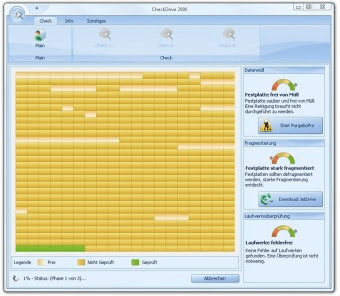
This application can perform complete scans of all internal hard drives as well as of any connected flash drive (the program automatically detects the internal and connected drives) and detect if they have any errors. This program will then offer you a complete report with the status of your hard drive and automatically fix the found errors for you.
I personally give CheckDrive a plus for bringing a very helpful feature along: support for collecting and displaying the S.M.A.R.T. data for all internal drives. For those of you who don't know what S.M.A.R.T. data stands for, this is an accurate monitoring system which offers you detailed information regarding the status of your hard disks and helps you prevent drive failure and data loss.
The aspects that slightly bother me about this application are the lack of a built-in help manual and the fact that you need to register to Abelssoft in order to use the program.
As for the rest, I'm pleased about the performance of CheckDrive as it proves a reliable tool, able to perform accurate scans on any connected/internal drive and help its users fix any found errors.





Comments